
Got a receipt from Risiphant?
You bought from a shop that skips the paper. Here’s how your digital receipt works, how to keep it and how your details are handled.
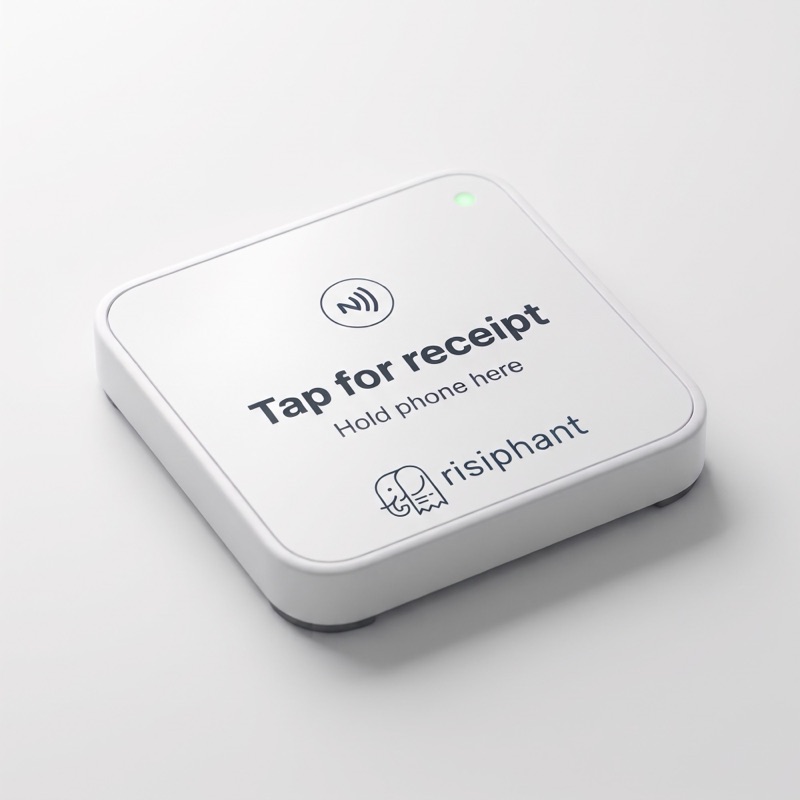
What is this receipt?
The shop you bought from uses Risiphant to give receipts digitally instead of on paper. It is the same receipt, just on your phone.
Do I need an app or an account?
No. Your receipt opens in your phone’s web browser. There is nothing to install.
How do I keep it?
Your receipt link works for 30 days. To keep it longer, use the download button on the receipt to save a PDF copy, or print it from your browser.
Tapping didn’t work. What now?
Unlock your phone, make sure NFC is on (on Android) and hold the top of your phone flat on the plate for a second. On iPhone you need an iPhone XS or later with the screen on. If it still doesn’t open, ask the cashier to show you a QR code to scan instead.
Is it safe? Can anyone else see my receipt?
Each receipt has its own unguessable link that expires, and we don’t show it to anyone else. Treat the link like the paper receipt: anyone you send it to can open it, so don’t post it publicly.
What about stamps, points and offers?
Some shops offer a stamp card or offers on the receipt. Joining is up to you, and the tick-boxes are off unless you choose them. The shop runs its own rewards programme.
How do I stop offers or delete my details?
If you joined a shop’s rewards, use the privacy link on your receipt to withdraw, download or delete your details, with no login needed. You can also email [email protected]. Your receipts are kept as anonymous records that the shop needs for its accounts.
Something is wrong on my receipt.
Please ask the shop first. They issued the receipt and can correct it. If you can’t reach them, email us and we will pass it on.
Run a shop? See Risiphant for shops.